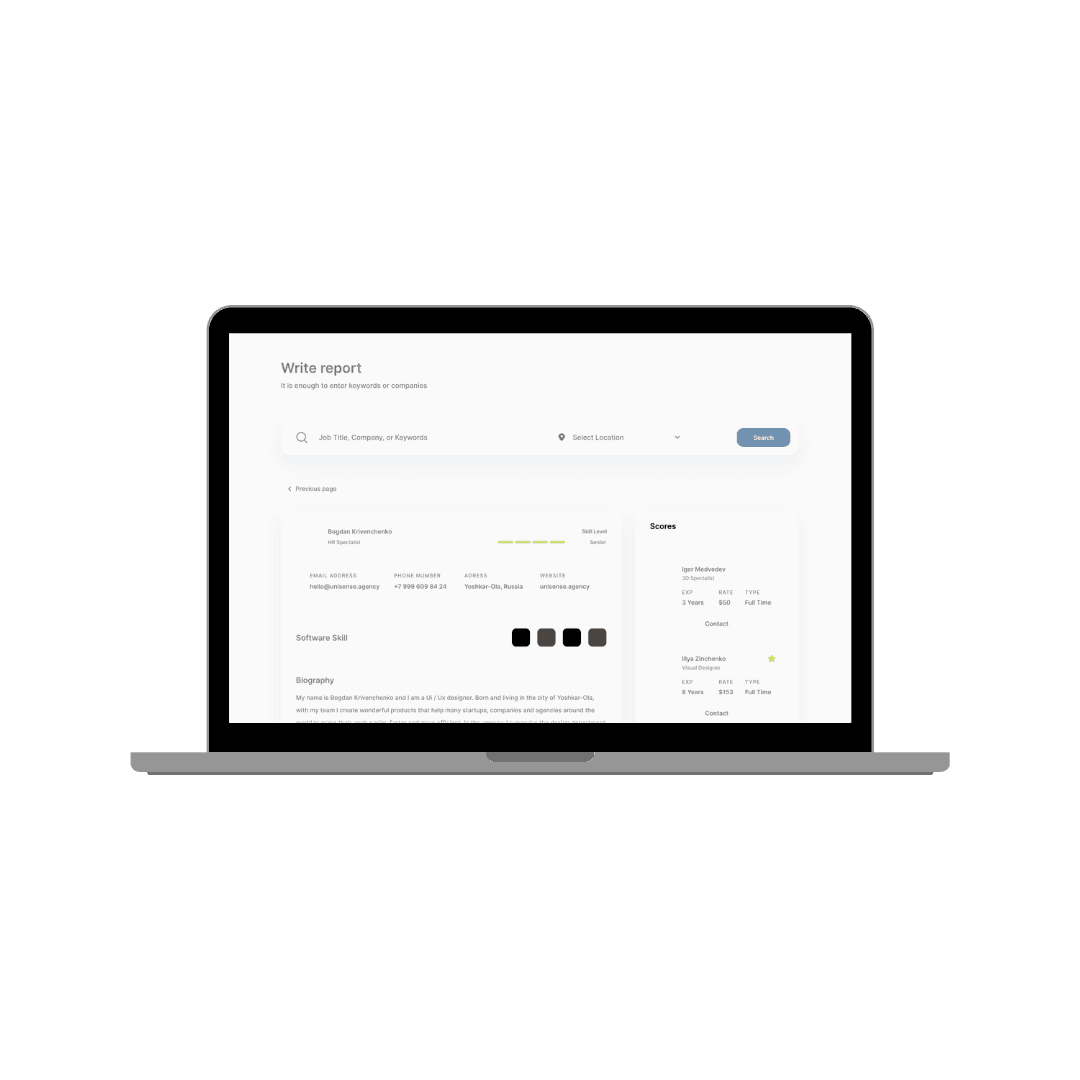

About
The platform helps visualise key performance indicators (KPIs) and metrics crucial for evaluating sales and promotions performance. These metrics are presented through a combination of numerical summaries and graphical representations, allowing for quick assessment and comparison.
Improved Navigation and Content Organization
Problem: The report writer had too much content on a single page, making it difficult for consultants to navigate and focus on specific sections. Solution: Implemented a new side menu and tab system
Grouped related items in the side menu: notes, scores, and other relevant sections
Created separate pages for different report components, such as "Other and Stakeholder Feedback"
Allowed consultants to expand or collapse sections as needed
Implemented a system to notify users of outstanding tasks or errors in the report

Context-Sensitive Information Display
Problem: Consultants struggled to access relevant information while writing different sections of the report. Solution: Developed a context-sensitive information display system .
When writing the executive summary, relevant enabler and orientation scores are displayed
For culture impact sections, culture performance accelerators are shown
Implemented an expandable/collapsible "Show Client Context" view
Client Context Capture
Problem: There was no efficient way to capture and display client context information within the report writer. Solution: Created a dedicated client context capture system .
Implemented tabs for Organization Vision, Macro Disruptors, and Performance Accelerators
Allowed consultants to add custom entries for Strategic Priorities and Challenges
Enabled inline editing and removal of added items
Provided categories for challenges to streamline the process
Dynamic Scoring Display
Problem: Consultants needed easier access to scores while writing reports. Solution: Implemented a flexible scoring display system
Added a button to update job information directly from the report writer
Displayed relevant scores (including performance accelerators) in the leadership enablers section
Considered options for quick score reference, such as opening scores in a new browser tab
Automated Saving and Progress Tracking
Problem: Consultants risked losing work and had difficulty tracking their progress through the report. Solution: Implemented auto-save features and progress indicators.
Added a larger, more prominent save button
Implemented an auto-save feature to prevent loss of work
Created a system to show which sections are complete and which still need attention
Flexible Writing Flow
Problem: The linear structure of the report writer didn't match consultants' non-linear writing process. Solution: Designed a more flexible writing environment.
Allowed consultants to write different sections at different times without a forced flow
Enabled easy navigation between sections for reference and editing
Integration with Client-Level Data
Integration with Client-Level Data
Problem: Client context information was not efficiently shared between projects and reports. Solution: Implemented a client-level note system
Introduced client-level editing of notes in client settings
Allowed project-specific modifications to client-level context information
User Experience and Interface Design
Customizable Report Outputs
Problem: The report output didn't always match the specific needs of different clients and projects. Solution: Developed a more flexible report output system.
Created options for customizing report sections based on project type
Implemented a system to match report writer inputs with the final report design
Performance Optimization
Problem: The existing report writer had performance issues, especially with auto-saving large amounts of data. Solution: Optimized the report writer for better performance.
Addressed saving issues, particularly with auto-save functionality
Improved overall responsiveness of the report writer interface
Alignment with Design System
Problem: The report writer lacked consistency with the overall platform design. Solution: Aligned the report writer with the broader design system.
Ensured consistent use of colors, typography, and UI elements
Improved overall visual coherence and user experience
By implementing these solutions, the redesigned report writer offers a more efficient, flexible, and user-friendly experience for consultants. The new features enable better organization of information, easier access to relevant data, and a more customizable report creation process, ultimately enhancing the quality and efficiency of report generation.
Next project